Demo
See RepairOps with your workflow
Book a 30-minute walkthrough on Google Meet. Tell us how your shop runs and we'll show you the parts of RepairOps that matter to you.
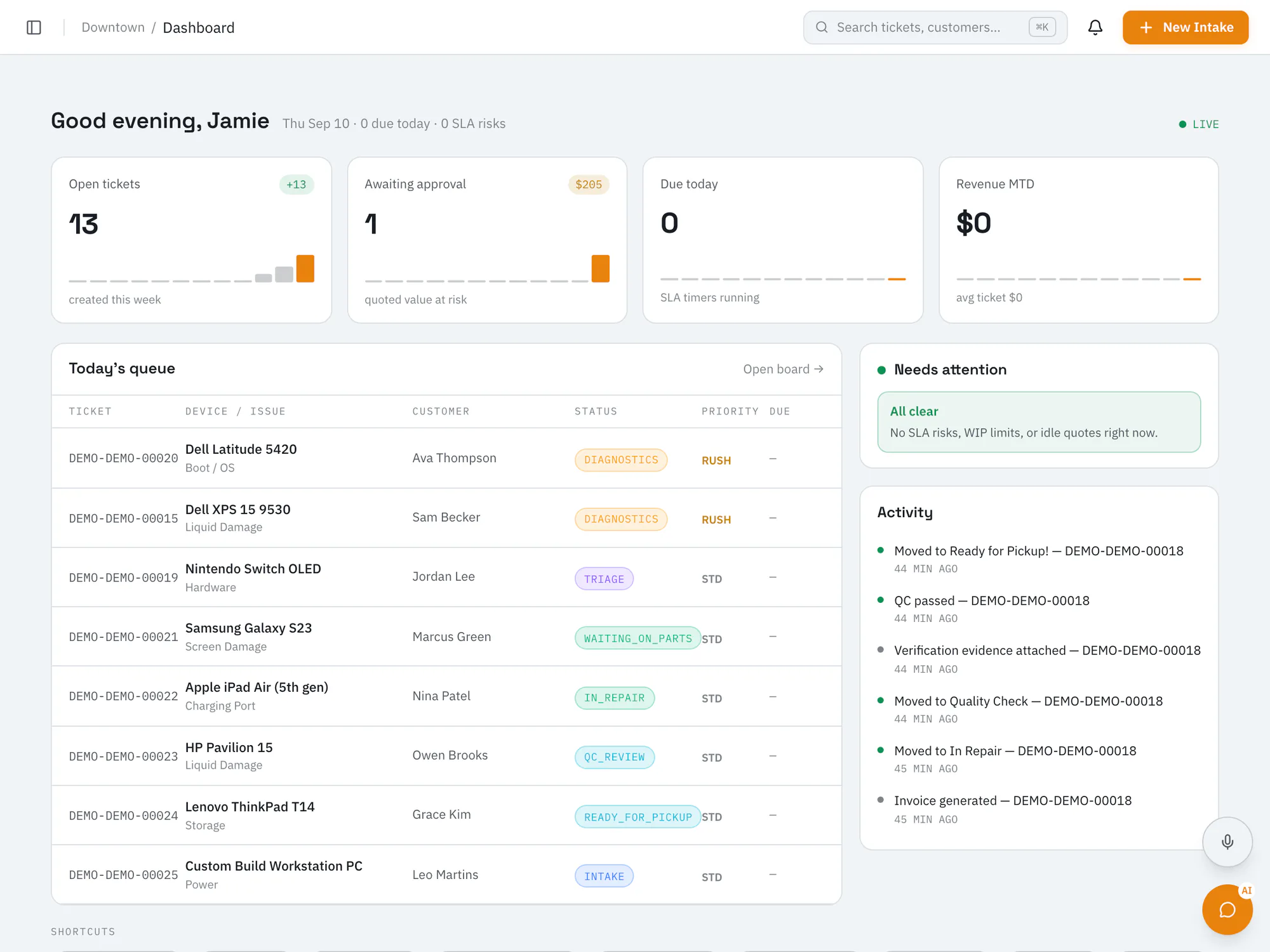
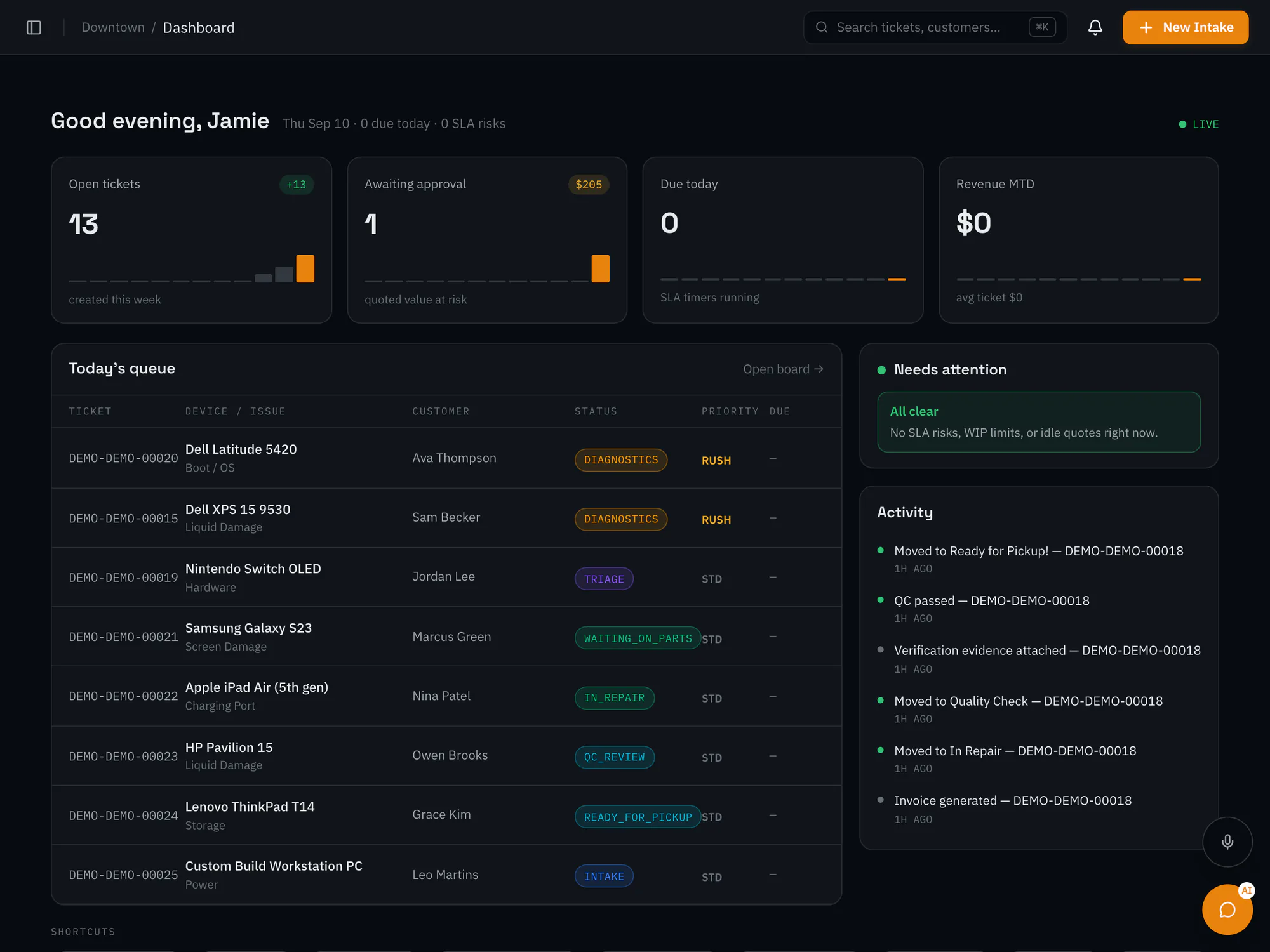
On the call
What we can walk through
Every demo is shaped around your questions. These are the areas shops ask about most.
- Checking devices in and working the Kanban board
- Quotes, the customer portal, and approvals
- Quality checks, pickup, and payment
- Inventory, purchase orders, and reports
- Moving over from PC Repair Tracker, RepairDesk, or CSV
- Optional AI add-ons and which plans include what
Request a demo
Ready to see it live?
Fill out the form and we'll set up a private Google Meet room for your call, then follow up to confirm a time.
- A private Google Meet room for your demo
- A 30-minute walkthrough
- Time for questions about your current system and the beta
Prefer email? Write to hello@repairops.app.
Request a live demo
A 30-minute walkthrough on Google Meet
FAQ
About the demo
What's included in the demo?
A 30-minute video call on Google Meet with the RepairOps team. We'll walk through the parts of RepairOps that fit your shop and answer your questions.
How does the Google Meet link work?
When you submit the form, we create a private Google Meet room for your demo and email you the link. We'll follow up to confirm a time and join you in that room.
Do I need to prepare anything?
No preparation needed. Bring your questions and tell us a bit about how your shop works today. Having your current system open can help with comparisons.
Can I try RepairOps myself?
RepairOps is in closed beta. Ask about joining during your demo, or join the beta now and we'll be in touch when a spot opens.