
Ai In Repair12 min read
How AI Is Changing the Repair Industry
AI isn't replacing repair technicians — it's making them faster, more accurate, and more productive. Here's how AI is transforming repair shop operations in 2026.
Integrations & Plugins
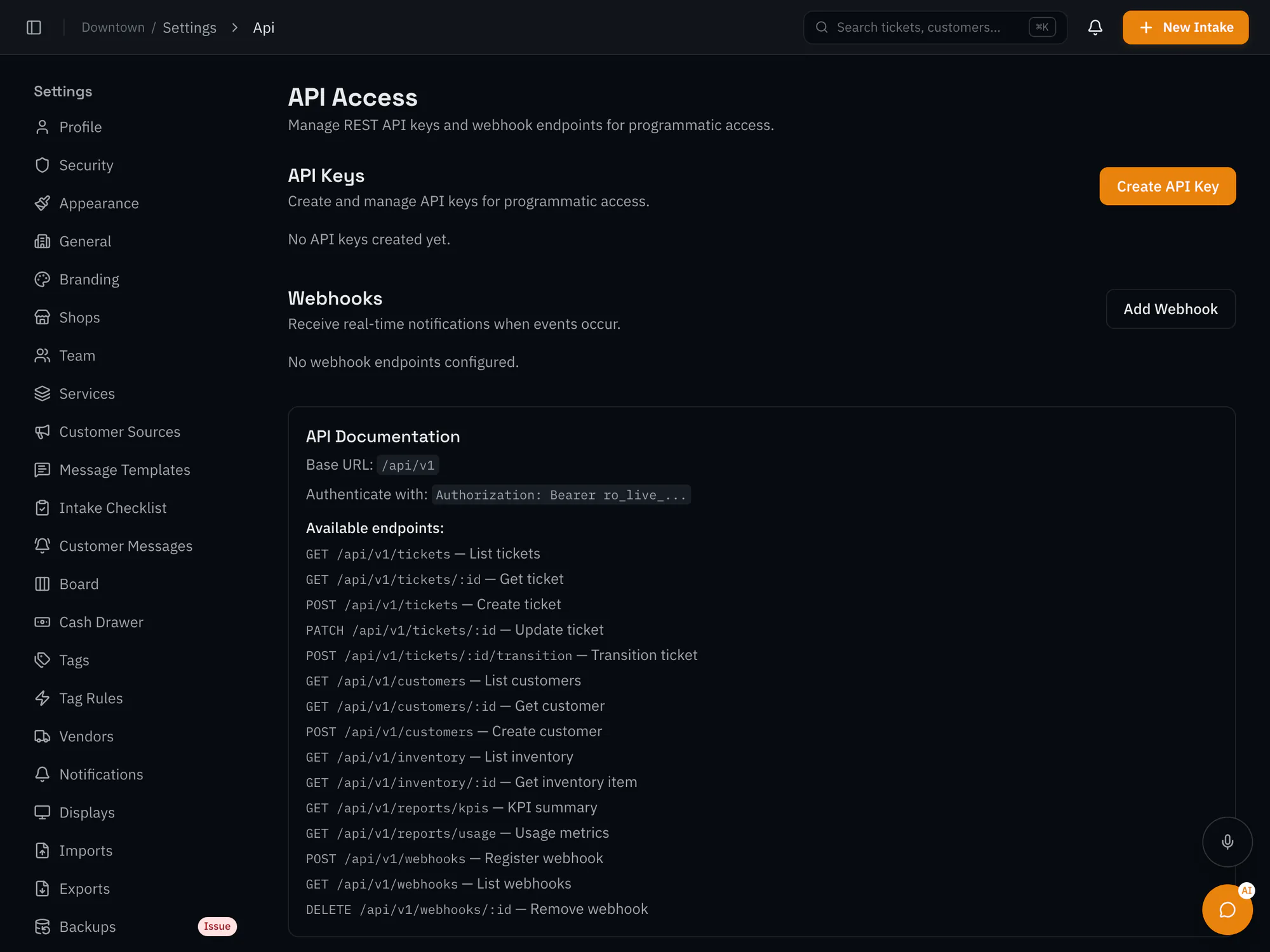
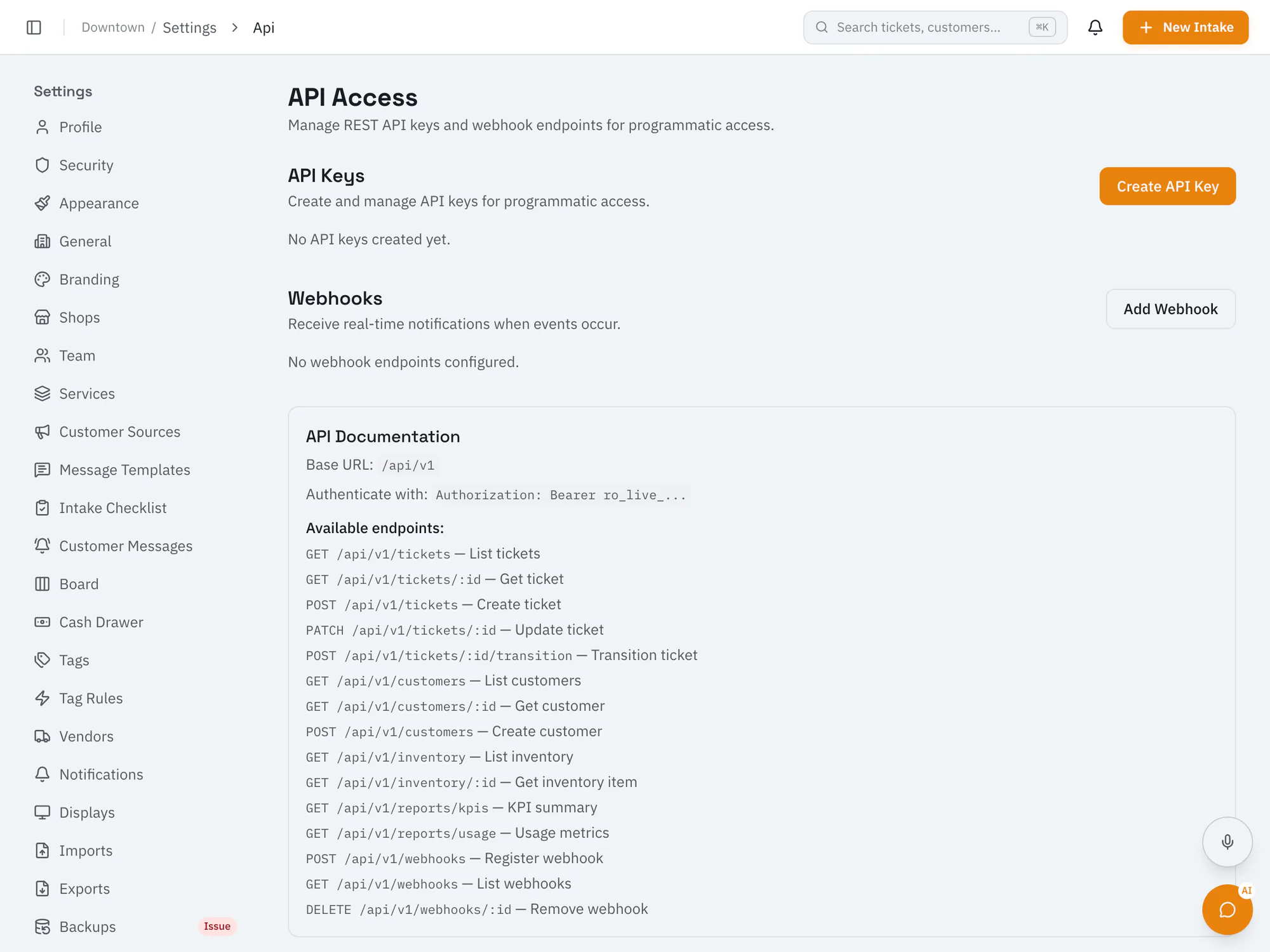
Build secure, custom workflows on top of RepairOpsUse API keys with read, write, or admin scope and signed webhooks to connect RepairOps to your own systems. Available on the Business plan and up.
Business plan and upCompare plans
Why it matters
Read and write tickets, customers, and devices; read inventory and reports; and receive webhooks for ticket, customer, quote, payment, and low-stock events.
Create keys with read, write, or admin scope for each integration.
Requests are rate limited and logged so you can monitor usage.
How it works
Generate an API key in settings and choose its scope.
Work with tickets, customers, devices, inventory, and reports from your applications.
Receive signed webhooks and trigger actions in your CRM, ERP, or data warehouse.
Ai In Repair12 min read
AI isn't replacing repair technicians — it's making them faster, more accurate, and more productive. Here's how AI is transforming repair shop operations in 2026.
Ai In Repair9 min read
No hype, no jargon — a straightforward guide to how AI actually works in repair shops, what BYOK means, and how to get started without breaking the bank.
Now onboarding beta shops
RepairOps is onboarding repair shops in small batches. Join the beta and we'll be in touch when a spot opens.