

Ai In Repair12 min read
How AI Is Changing the Repair Industry
AI isn't replacing repair technicians — it's making them faster, more accurate, and more productive. Here's how AI is transforming repair shop operations in 2026.
Analytics & Reporting
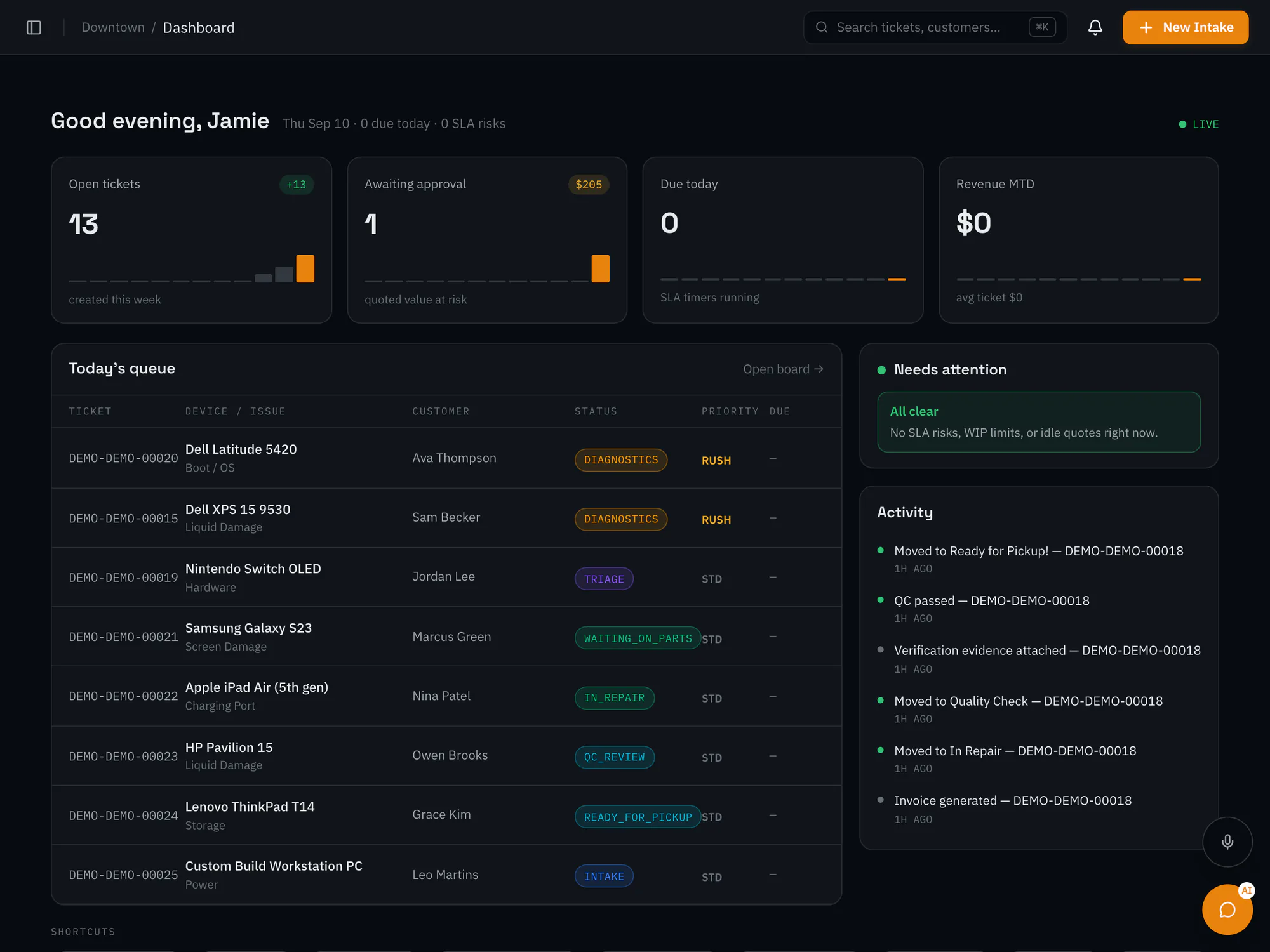
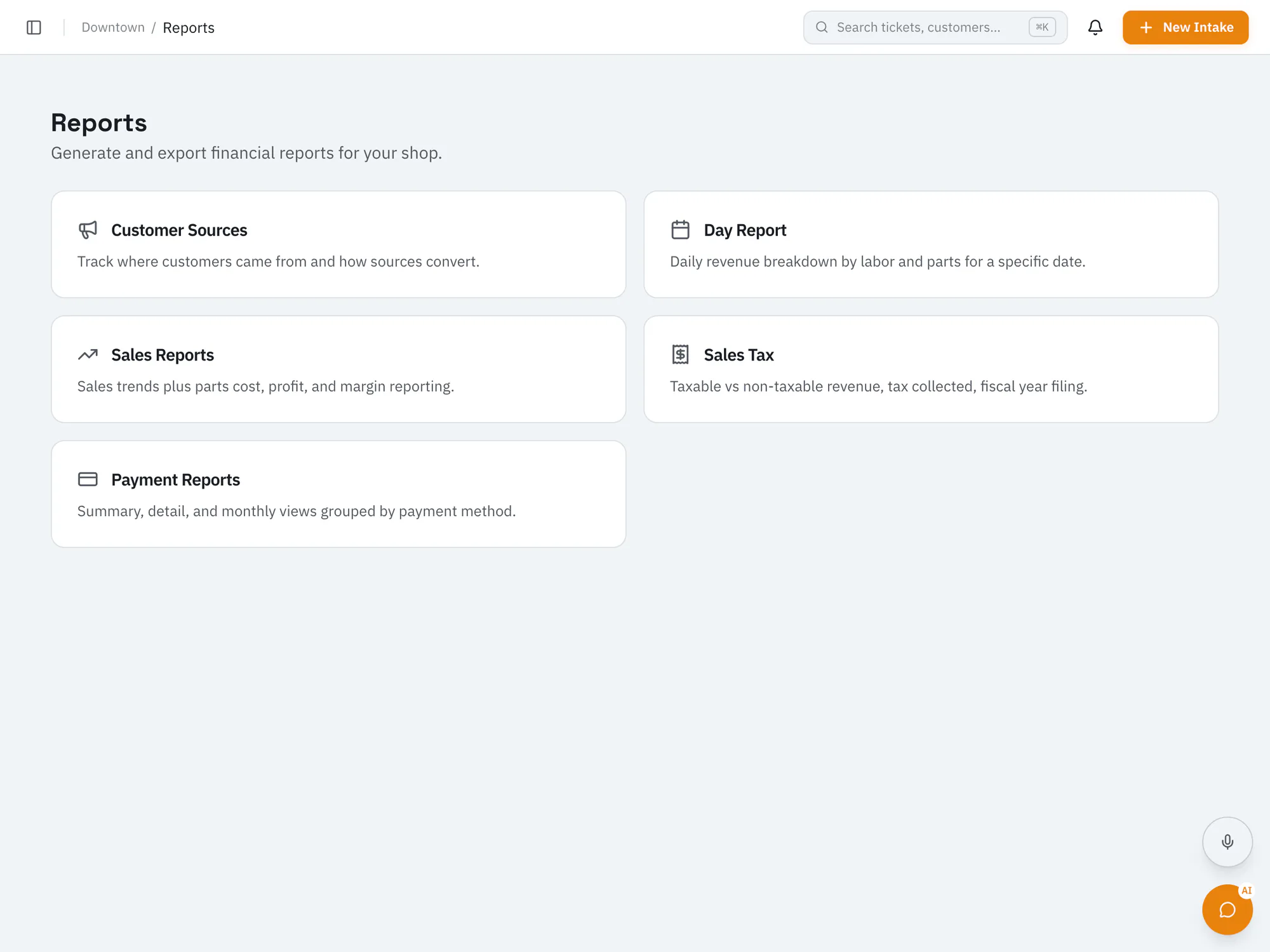
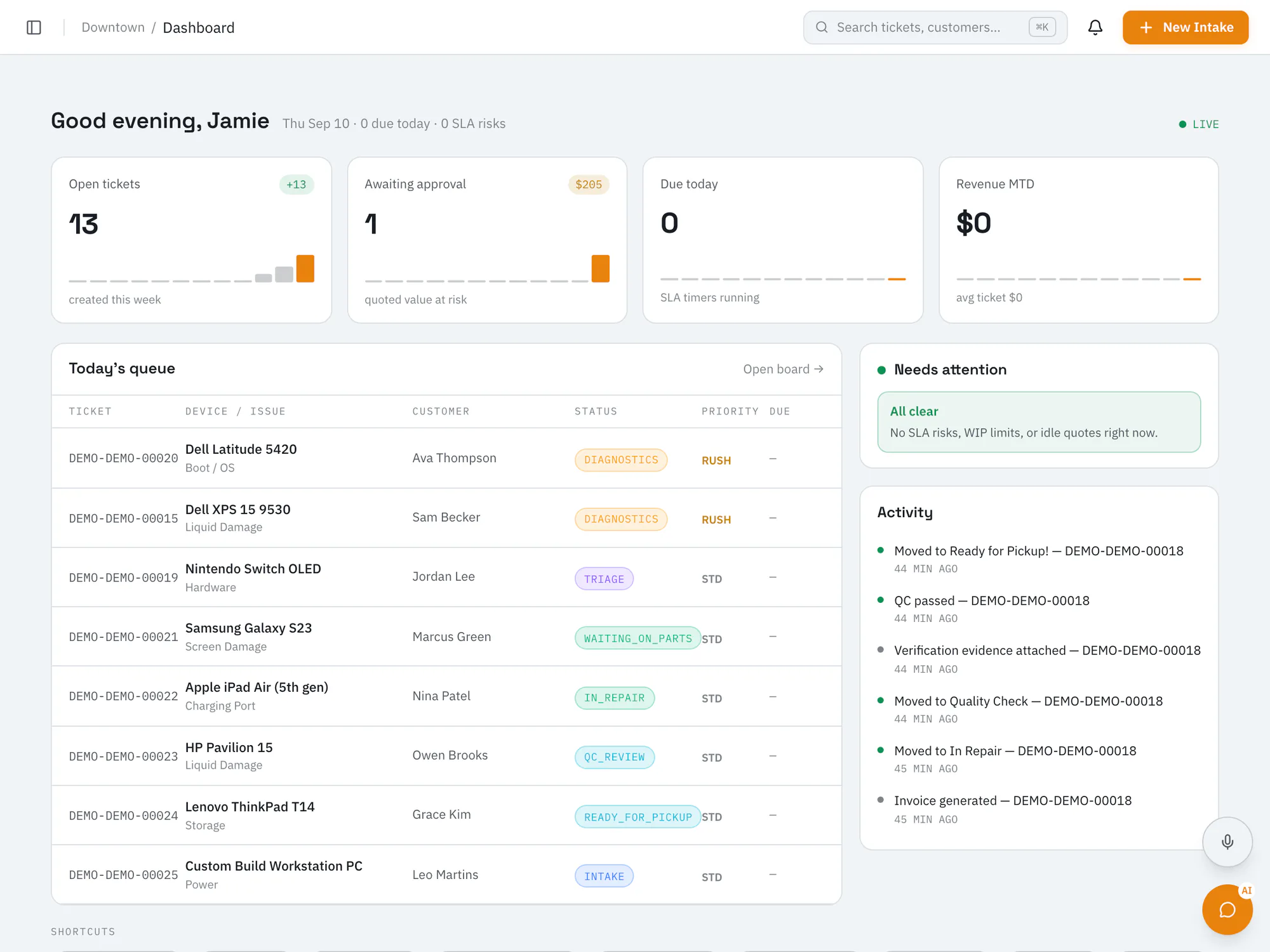
Data that actually helps you run the shopSee turnaround, revenue, and technician KPIs alongside day, sales, payment, and tax reports. Advanced analytics come with Pro, and location comparison with Business.
Pro plan and upCompare plans
Why it matters
Open tickets, quotes waiting on customers, what's due, and revenue at a glance.
Compare technician output side by side.
Export reports to CSV, with PDFs for day, sales tax, and payment reports.
How it works
Status changes and payments feed your reports automatically.
Review KPIs on the dashboard and in reports.
On Business with an AI add-on, get on-demand insights from your shop metrics.
Ai In Repair12 min read
AI isn't replacing repair technicians — it's making them faster, more accurate, and more productive. Here's how AI is transforming repair shop operations in 2026.

Ai In Repair9 min read
No hype, no jargon — a straightforward guide to how AI actually works in repair shops, what BYOK means, and how to get started without breaking the bank.
Now onboarding beta shops
RepairOps is onboarding repair shops in small batches. Join the beta and we'll be in touch when a spot opens.