
Ai In Repair12 min read
How AI Is Changing the Repair Industry
AI isn't replacing repair technicians — it's making them faster, more accurate, and more productive. Here's how AI is transforming repair shop operations in 2026.
AI & Automation
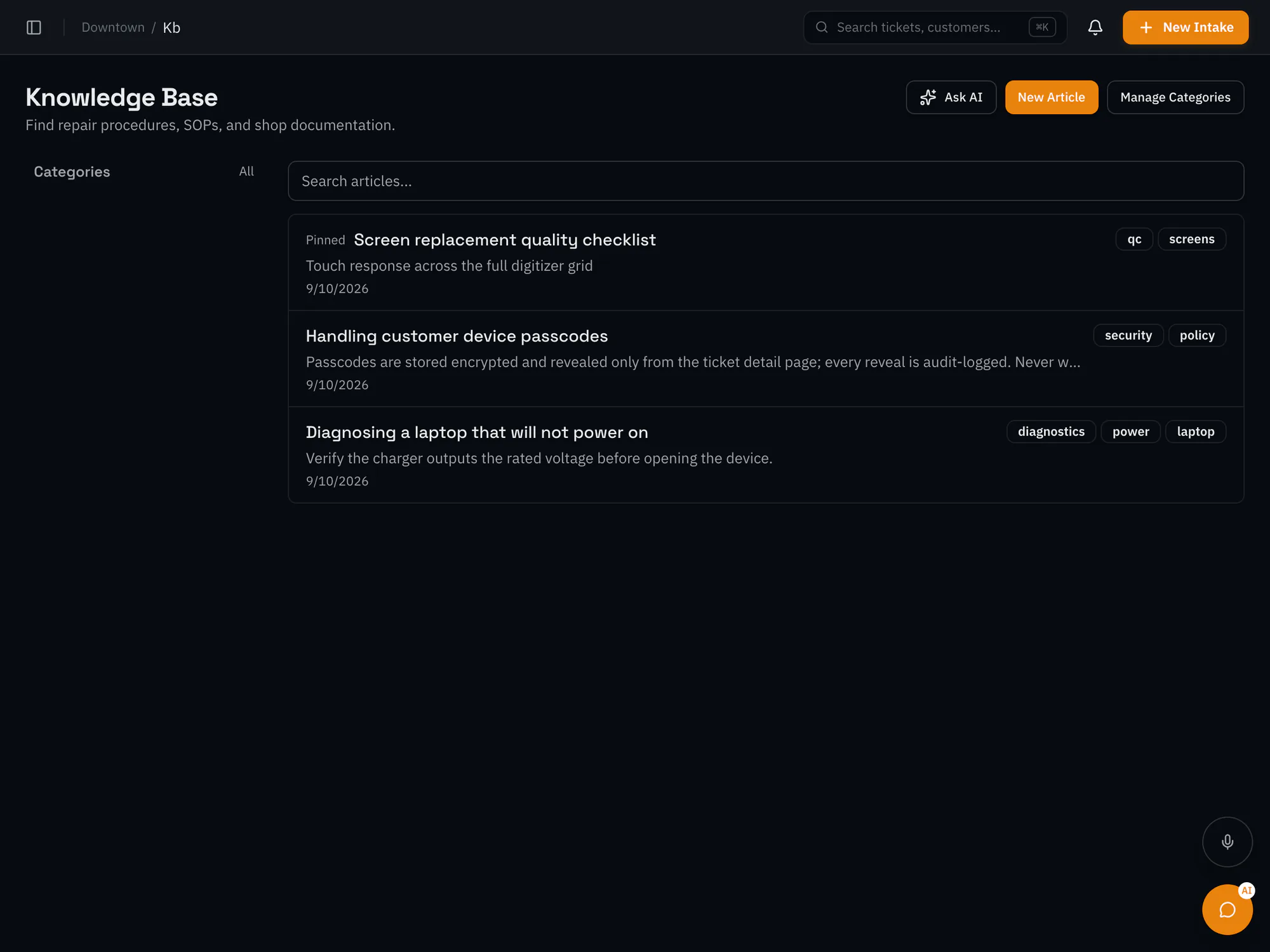
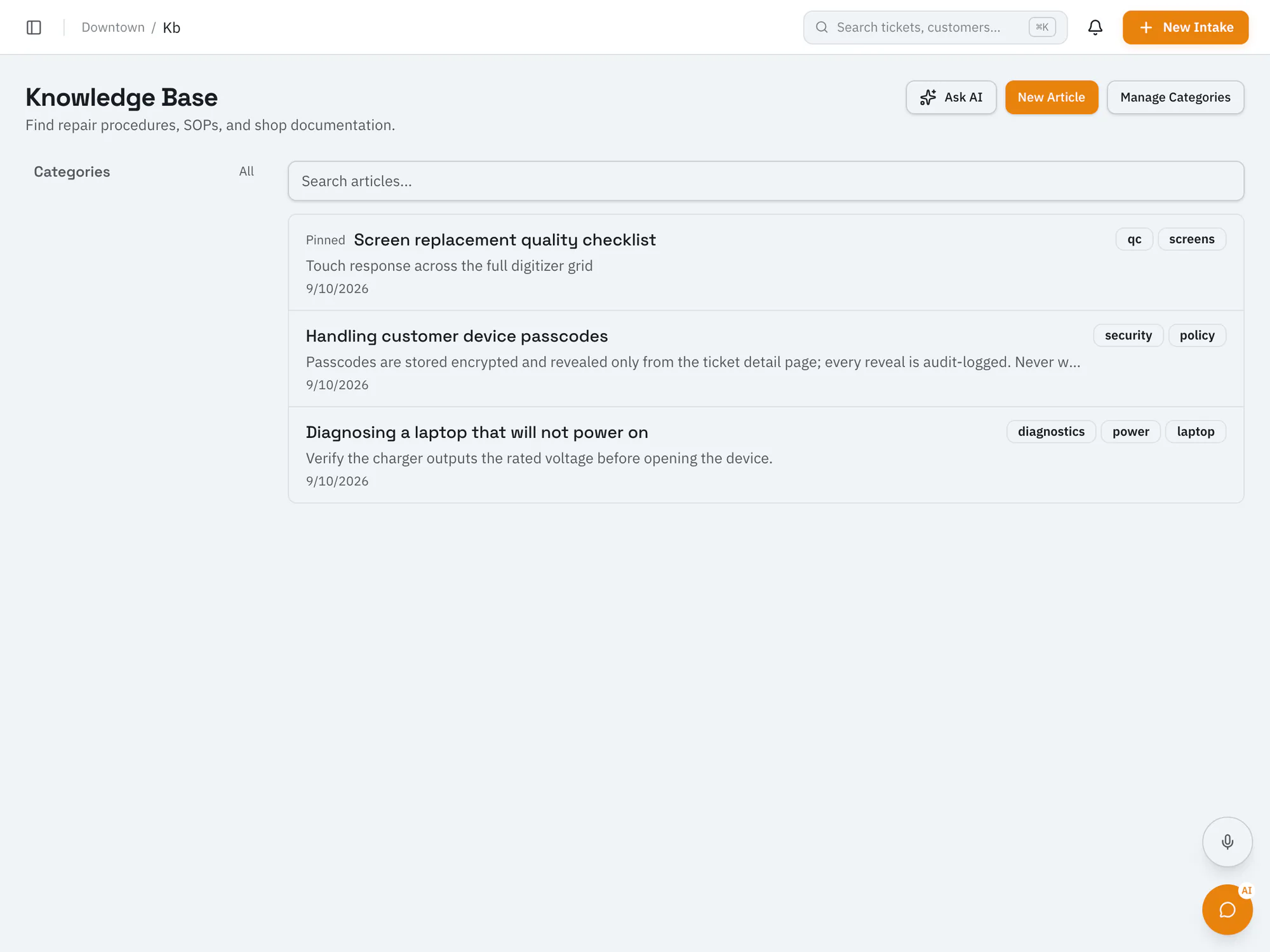
Your shop's know-how, searchable at the benchKeep procedures, diagnostic notes, and policies in one place with version history and tags. With an AI add-on, technicians can ask questions and get answers drawn from your own articles.
Starter plan and upCompare plans
Why it matters
Ask your knowledge base a question and get an answer based on your shop's articles (Pro plan with an AI add-on).
Every article keeps its revision history, so updated procedures are clear.
Tag articles by device, symptom, or process so they're easy to find.
How it works
Create articles and attach files such as PDFs and photos.
Group articles into categories and tag them.
Search your articles, or ask questions with AI search when it's turned on.
Ai In Repair12 min read
AI isn't replacing repair technicians — it's making them faster, more accurate, and more productive. Here's how AI is transforming repair shop operations in 2026.

Ai In Repair9 min read
No hype, no jargon — a straightforward guide to how AI actually works in repair shops, what BYOK means, and how to get started without breaking the bank.
Now onboarding beta shops
RepairOps is onboarding repair shops in small batches. Join the beta and we'll be in touch when a spot opens.