


Ai In Repair12 min read
How AI Is Changing the Repair Industry
AI isn't replacing repair technicians — it's making them faster, more accurate, and more productive. Here's how AI is transforming repair shop operations in 2026.
Customer Experience
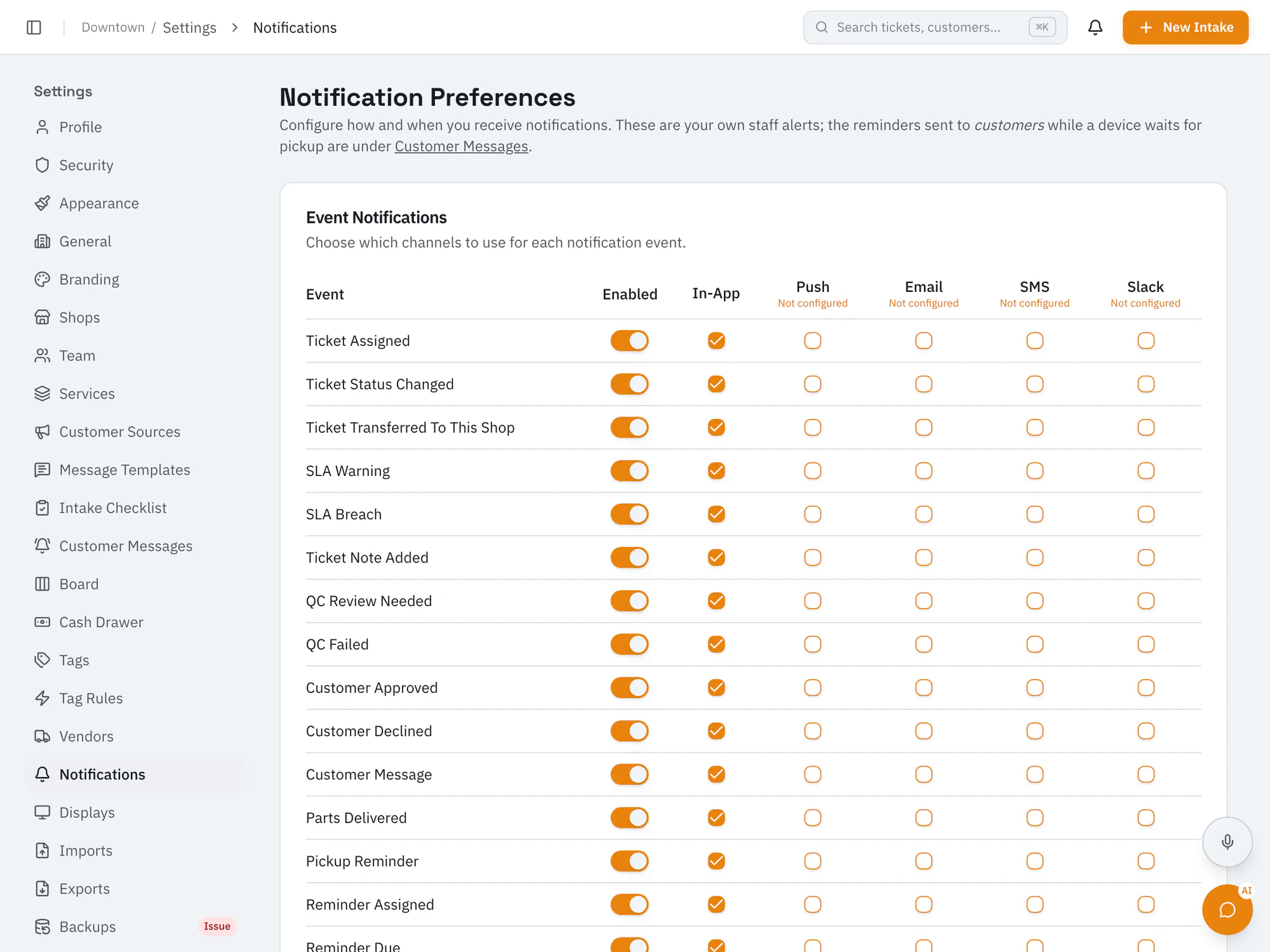
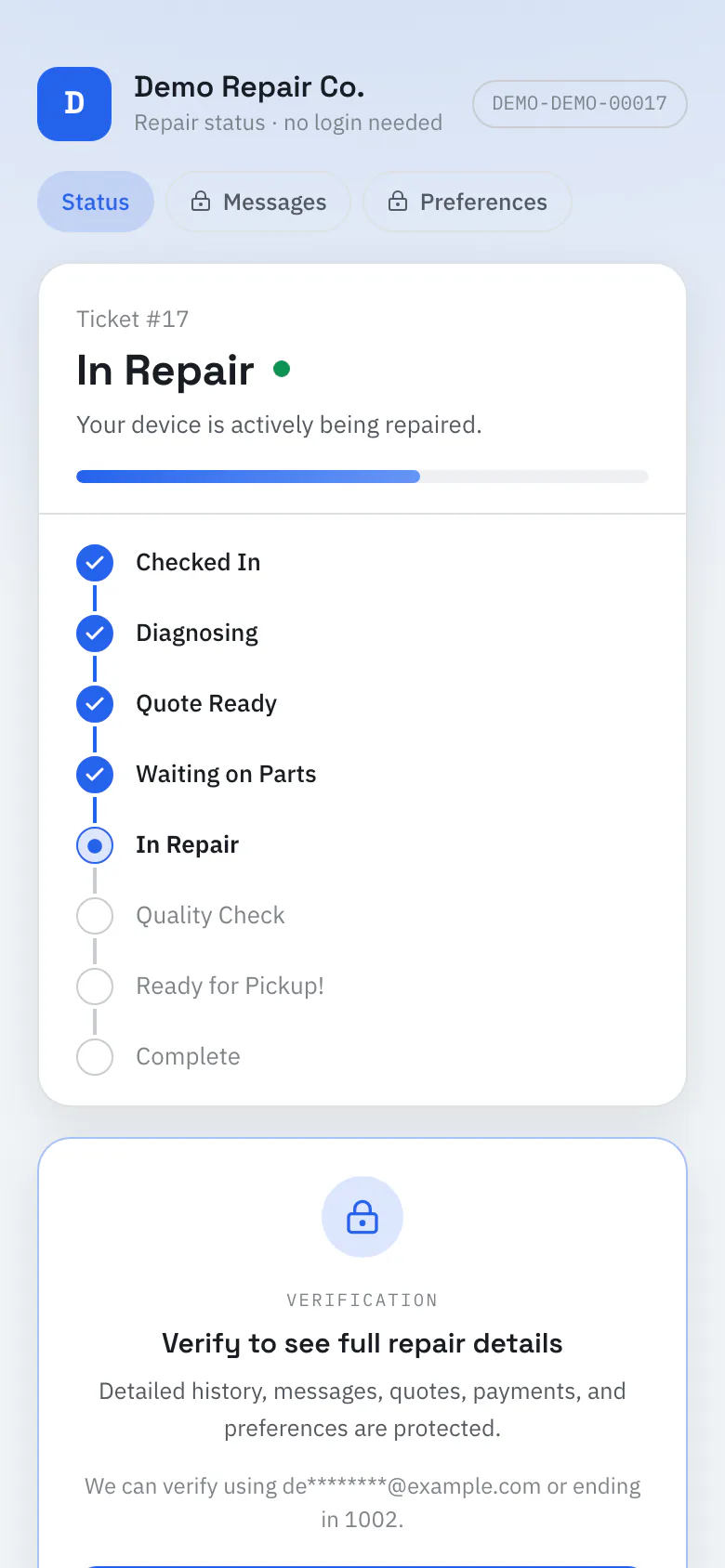
Keep customers in the loop at the moments that matterAutomatic email and text updates when a quote is ready, when a device is ready for pickup, and as pickup reminders, plus payment receipts by email. Your team gets alerts in the app, by push, email, SMS, or Slack.
Starter plan and upCompare plans
Why it matters
Customers get email or SMS updates for quotes, pickup, and reminders. Texts are sent through a Twilio account you connect.
Team members set quiet hours for their own notifications.
Save message templates your team can send by hand.
How it works
Pick email, SMS, or both for quote, ready-for-pickup, and reminder messages.
Turn on reminders for devices left behind and choose when they go out.
Key status changes send customer updates automatically.
Ai In Repair12 min read
AI isn't replacing repair technicians — it's making them faster, more accurate, and more productive. Here's how AI is transforming repair shop operations in 2026.
Ai In Repair9 min read
No hype, no jargon — a straightforward guide to how AI actually works in repair shops, what BYOK means, and how to get started without breaking the bank.
Now onboarding beta shops
RepairOps is onboarding repair shops in small batches. Join the beta and we'll be in touch when a spot opens.