

Ai In Repair12 min read
How AI Is Changing the Repair Industry
AI isn't replacing repair technicians — it's making them faster, more accurate, and more productive. Here's how AI is transforming repair shop operations in 2026.
Customer Experience
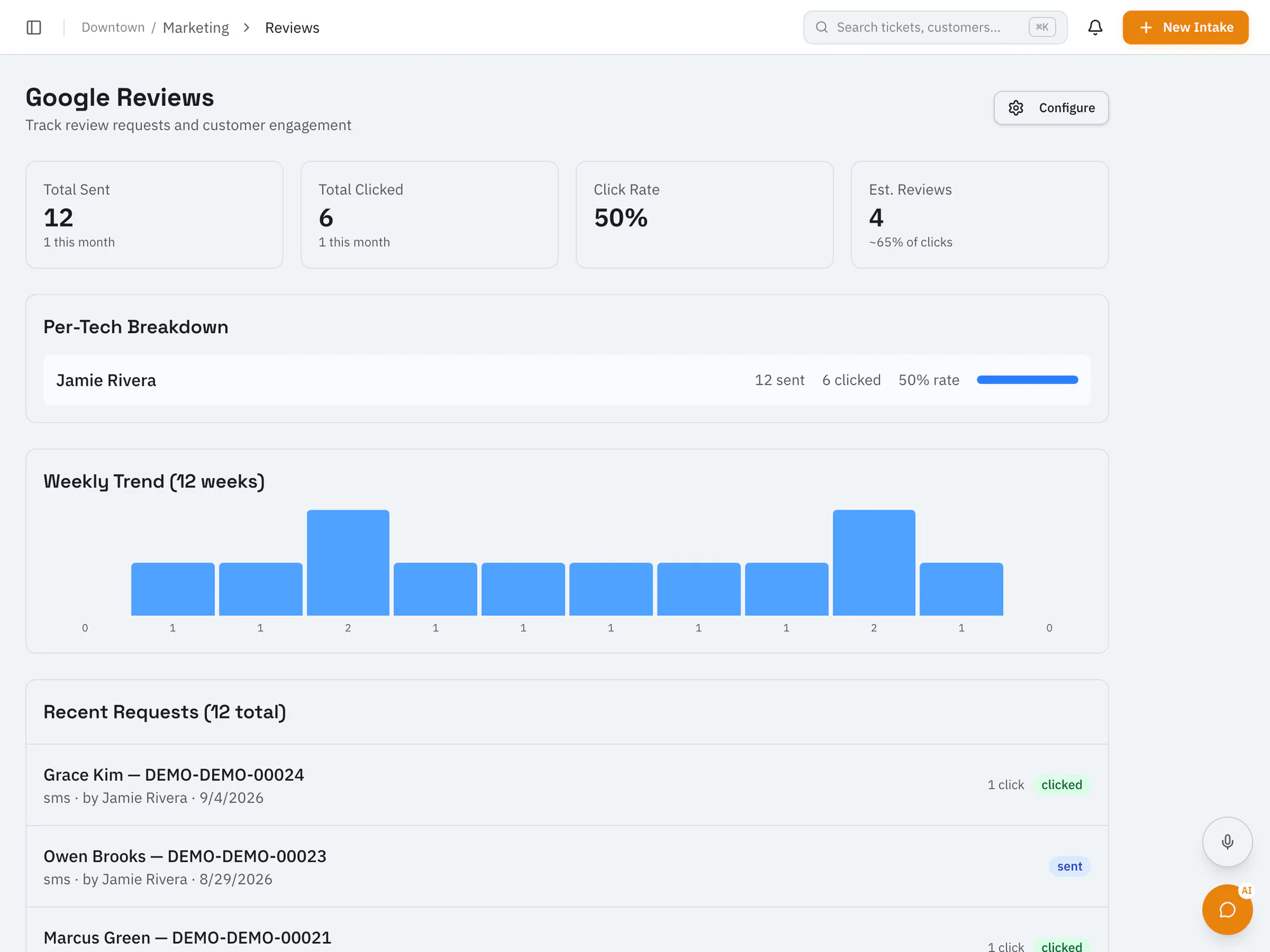
Ask for reviews at the right time, in one tapSend customers a link to leave a Google review after their repair is picked up, and see which requests were sent and clicked.
Pro plan and upCompare plans
Why it matters
Customers go straight to your Google review page.
One request per ticket after pickup, with a cooldown before the same customer is asked again.
See review requests sent and clicked for each technician.
How it works
Once the ticket is picked up or closed, staff can send a review request.
The request goes out by text or email with a link to your Google review page.
RepairOps records which review links were clicked.
Ai In Repair12 min read
AI isn't replacing repair technicians — it's making them faster, more accurate, and more productive. Here's how AI is transforming repair shop operations in 2026.
Ai In Repair9 min read
No hype, no jargon — a straightforward guide to how AI actually works in repair shops, what BYOK means, and how to get started without breaking the bank.
Now onboarding beta shops
RepairOps is onboarding repair shops in small batches. Join the beta and we'll be in touch when a spot opens.